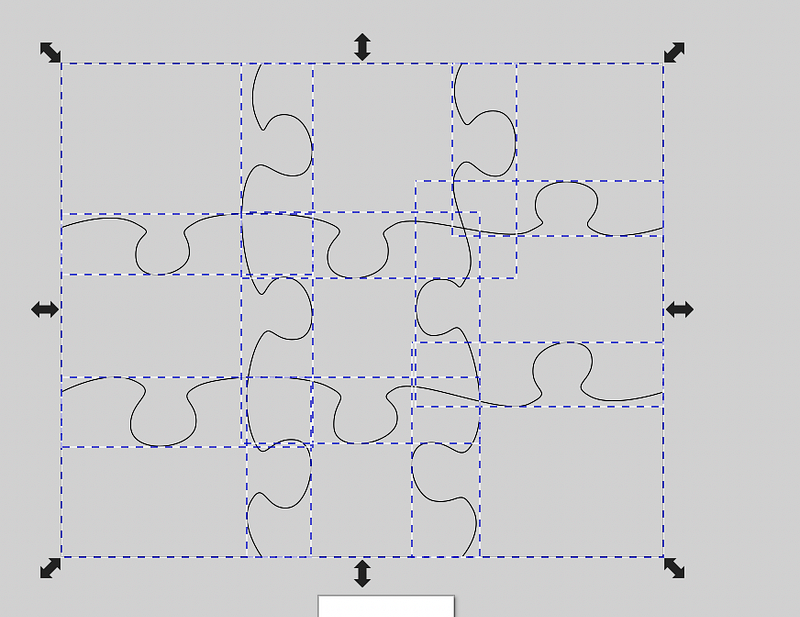
My Laser Cutter bed is 300mm x 500mm, and I need to make a shape that is about 900m x 750mm. I could just use squares, but then the joinery gets complicated making sure everything lines up properly.
Using jigsaw pieces might be a fun way to make such large shapes, so here is how to do that.
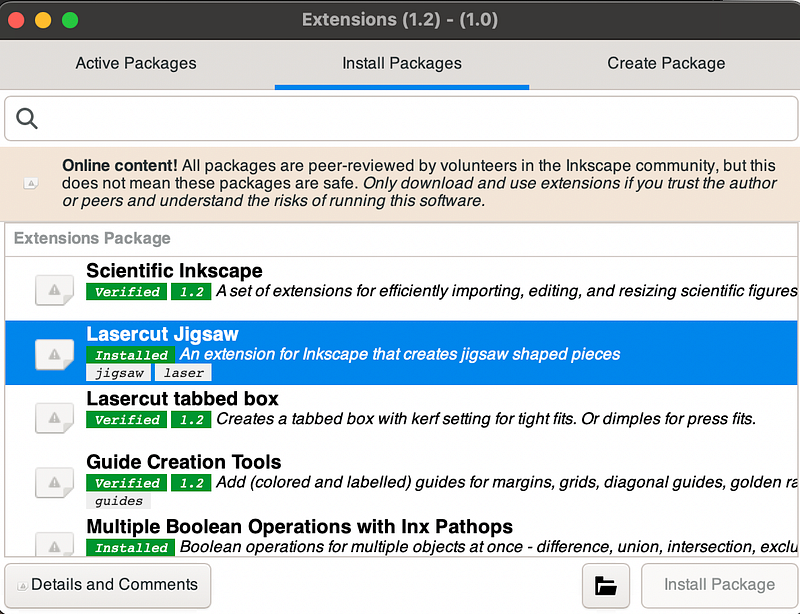
Install “Lasercut Jigsaw” extension
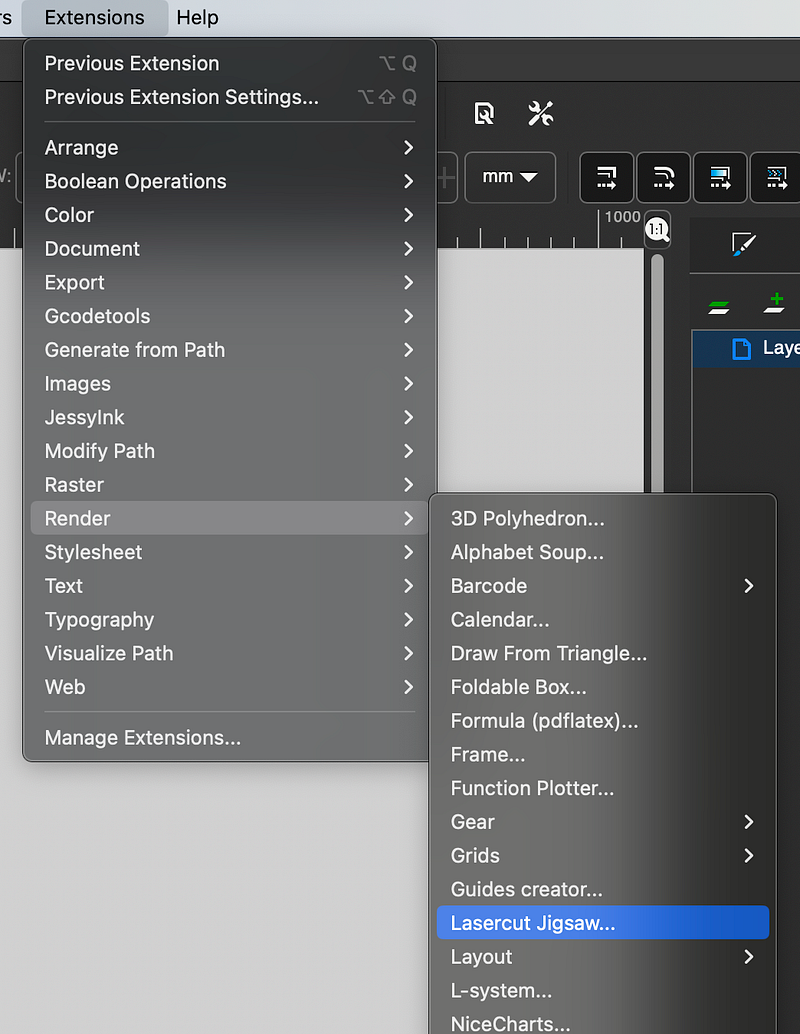
Create the puzzle you want with
Extensions > Render > Lasercut Jigsaw
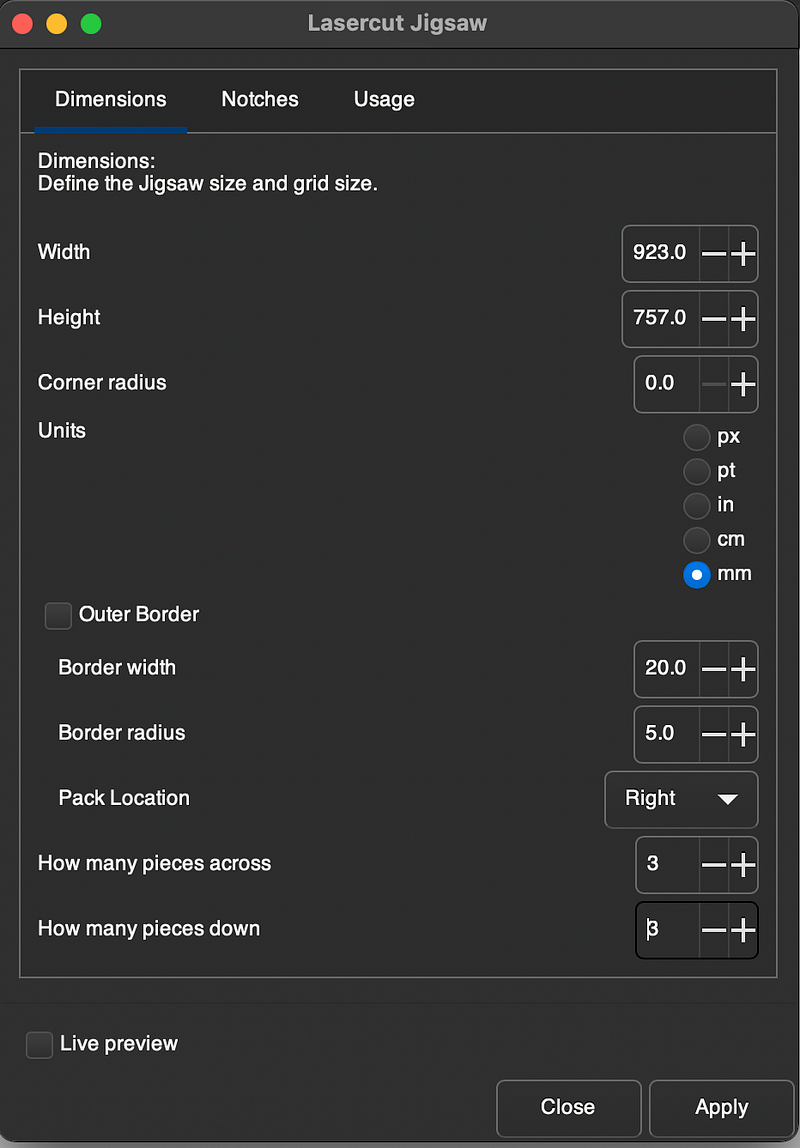
- Using
Path > Combinejoin all the X and Y axis paths together
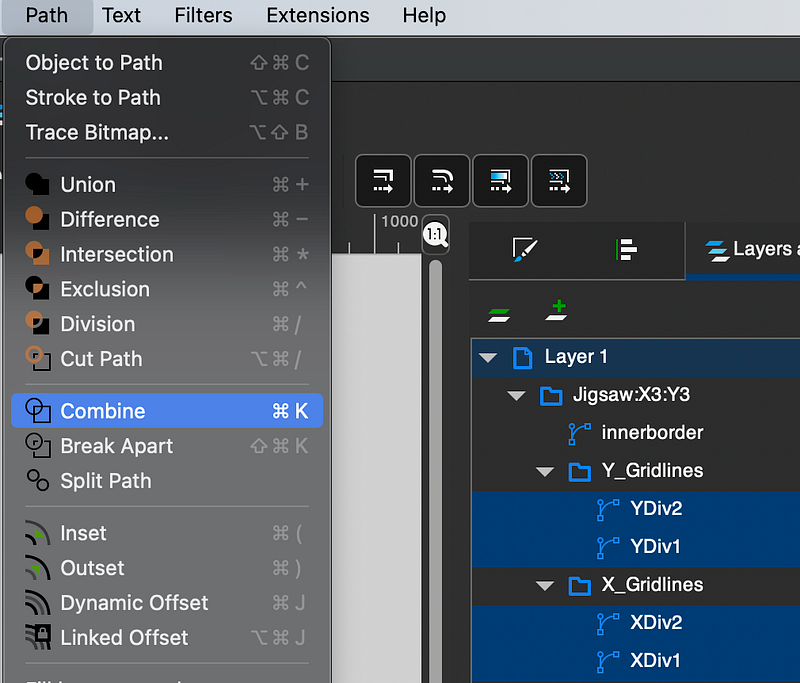
Move the XY path to ABOVE the border path
Use
Path > Divisionto split out all the pieces
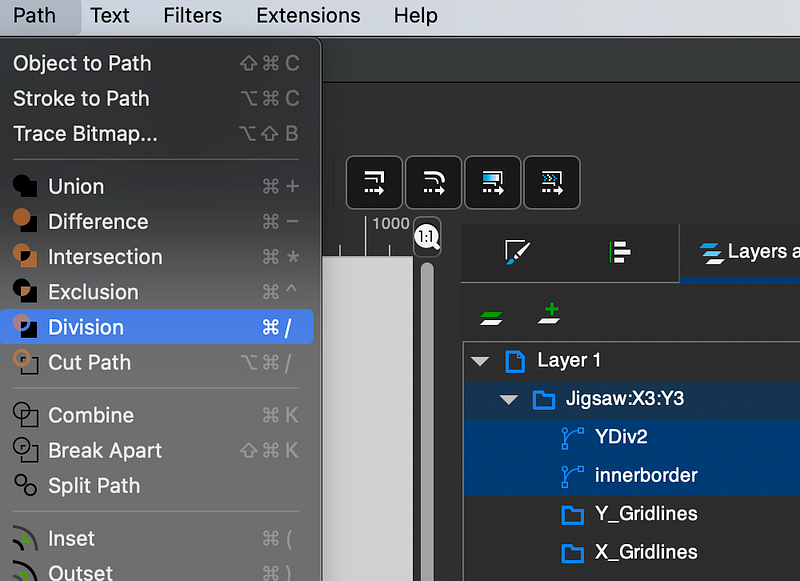
Now there are lots of individual puzzle pieces to cut.
